FishVue FLOAT (ELOG)
An Android electronic logbook app for entering and submitting trip data, accessing audits and species ID materials, and using catch summaries and maps to support operations.
FLOAT Capabilities
Digital logs, summaries, and references in one place.
Structured logs that stay consistent
Enter trip and event data efficiently.
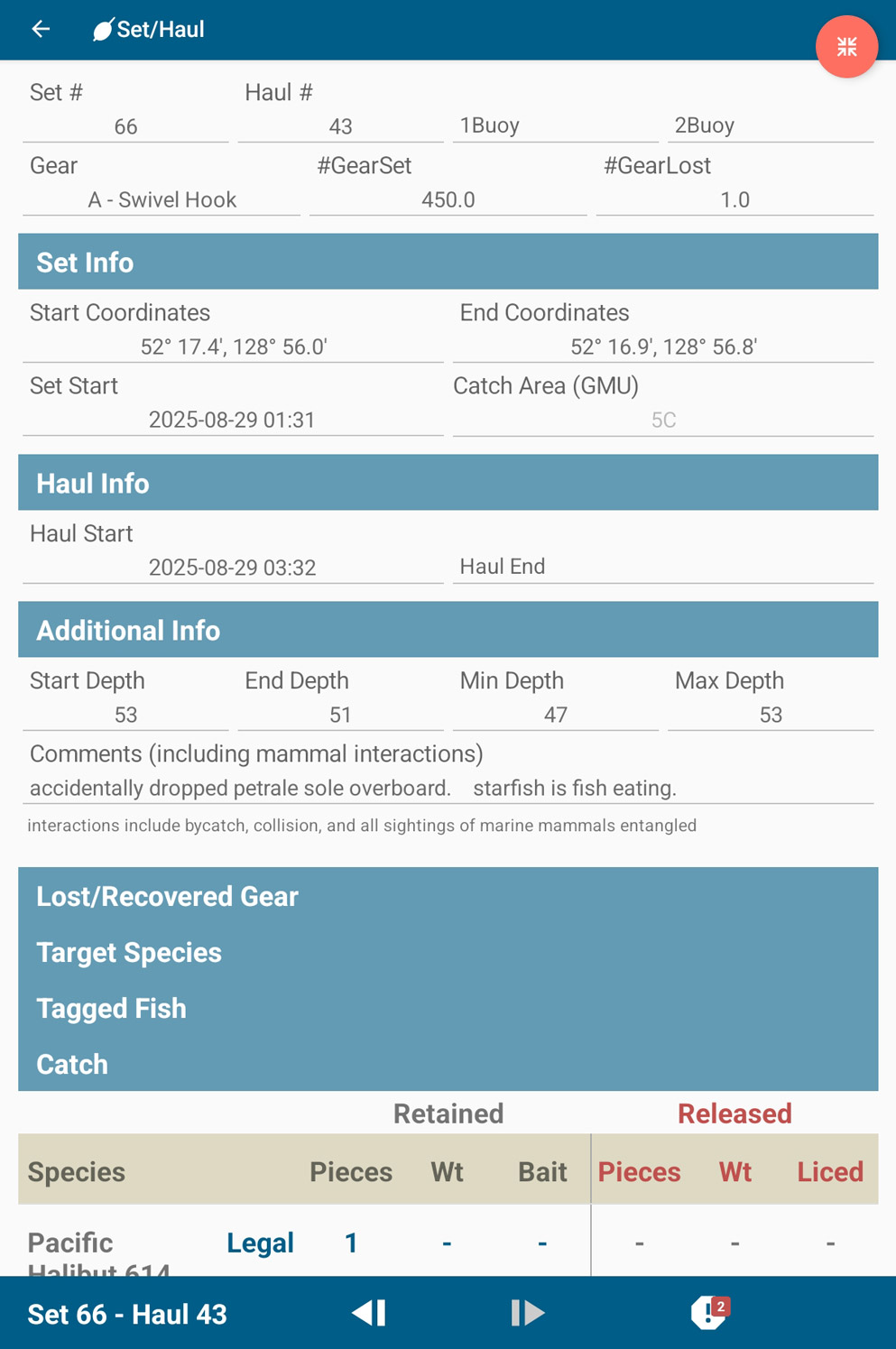
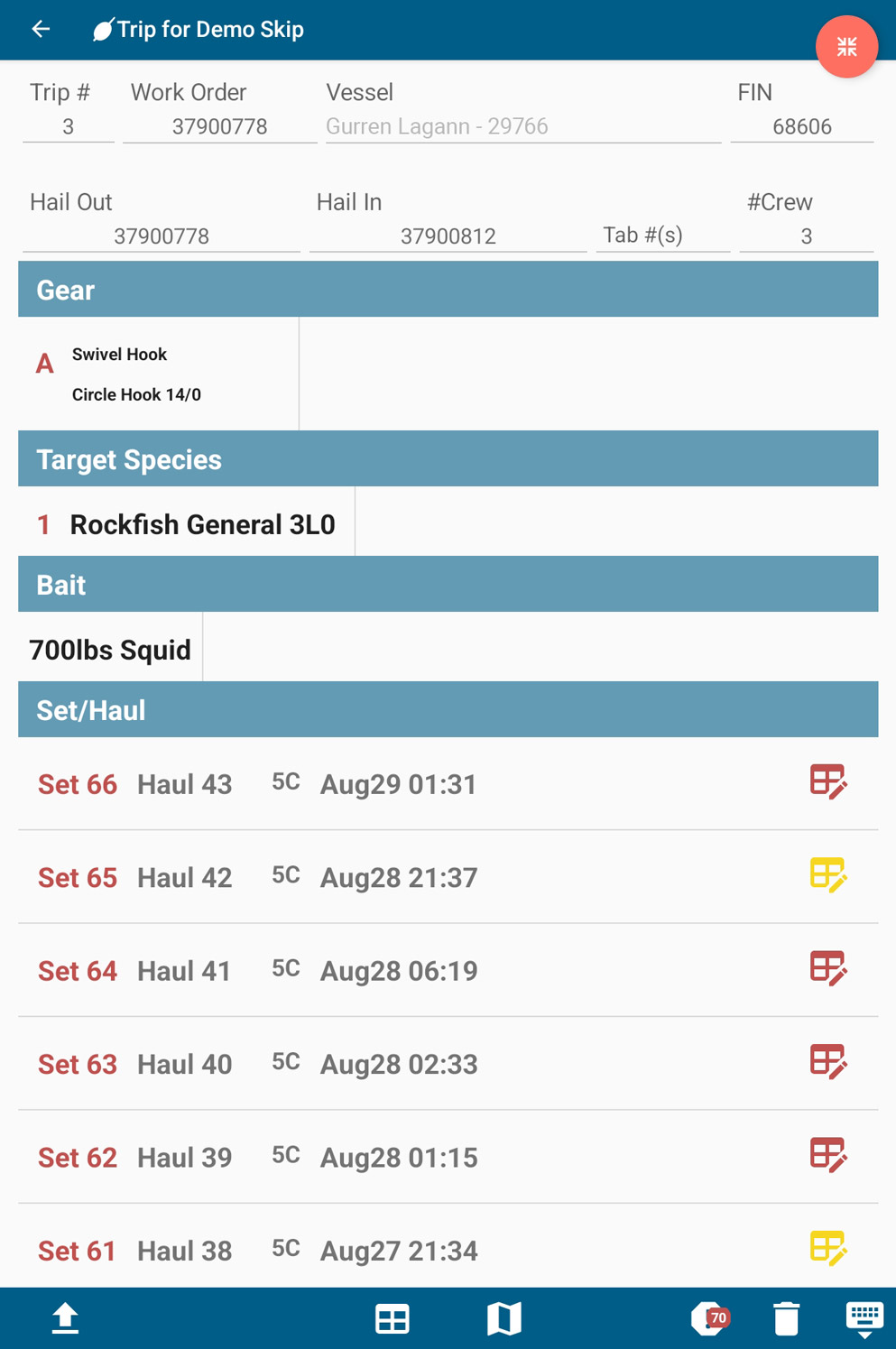
FLOAT (Fishing Log On A Tablet) is a tablet-based electronic logbook designed to replace paper workflows with structured digital entry. Operators can complete trip and fishing-event records in the app, submit them electronically, and keep past trip data available for easy reference and continuity.
- Record and submit electronic logbook entries
- Retains previous trip records for reference
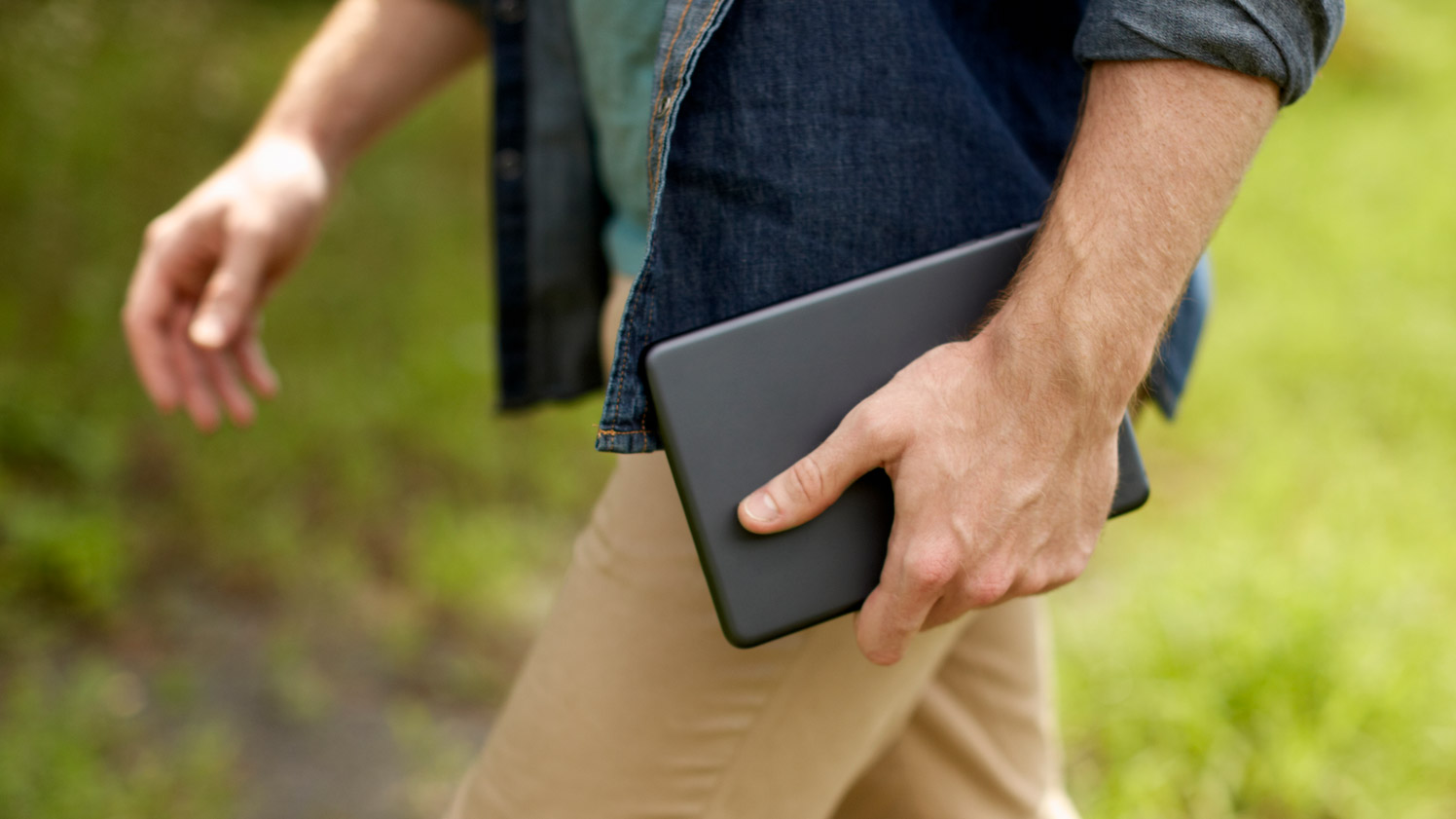
- Designed for Android tablet use
- Supports skipper or observer logbook formats
Catch issues early with built-in checks
Warnings help catch likely log mistakes.
FLOAT is designed to reduce common logging errors through built-in checks and clear status indicators. Crews can review issues as they work, resolve required fields before submission, and use optional settings that streamline repetitive entry and improve consistency across trips.
- Flags likely mistakes while completing logs
- Supports review of errors and warnings before submission
- Optional settings to streamline frequent entry patterns
- Trip-level catch summaries help confirm totals
Share catch summaries without extra work
Quick outputs for buyers and quotas.
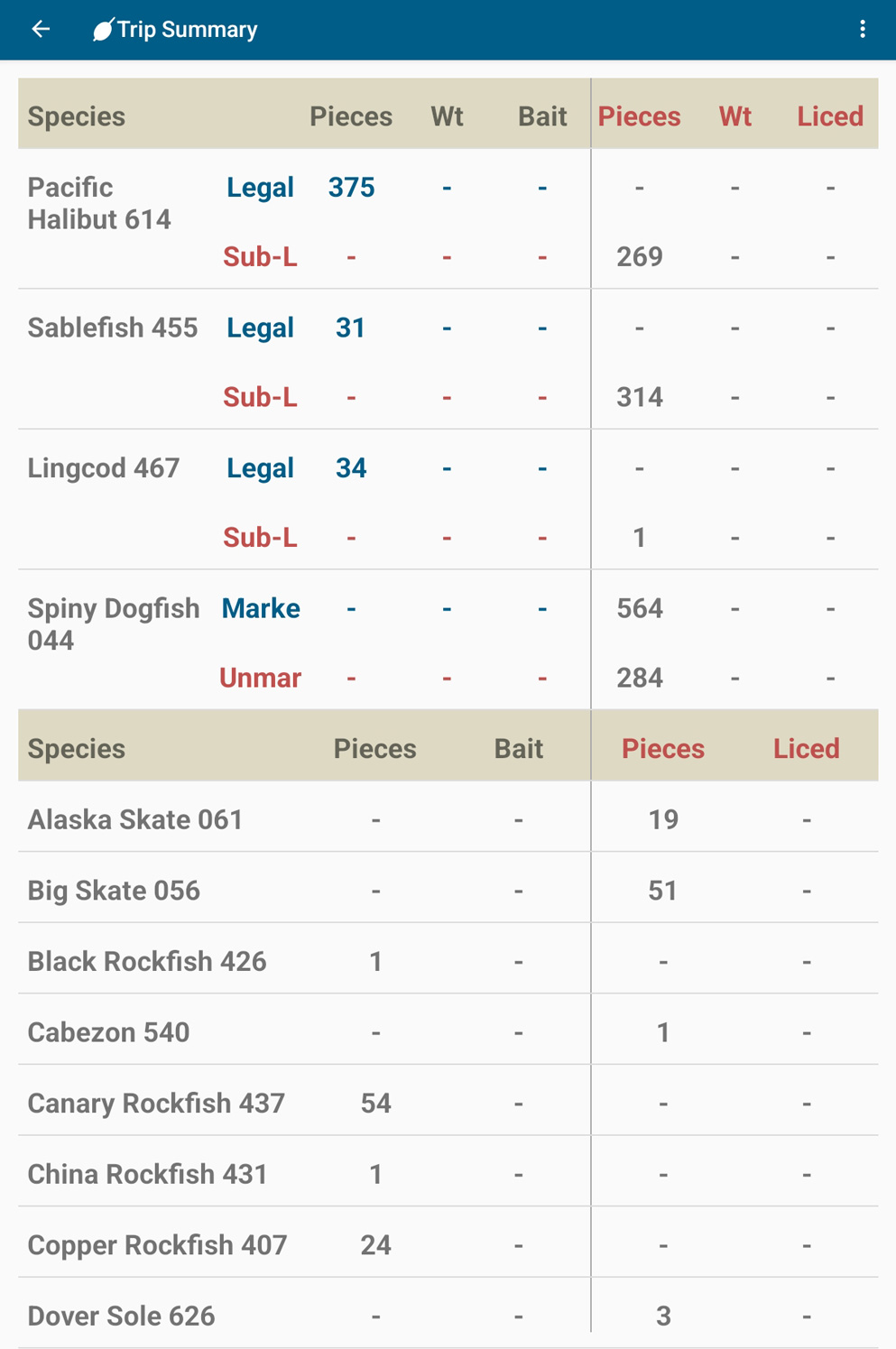
FLOAT supports practical reporting needs beyond data entry. Catch summaries provide a clear view of recorded totals and can be emailed directly to buyers or quota managers, reducing rework and enabling faster coordination after fishing activity.
- View trip-level catch summaries
- Email catch summaries to buyers
- Email catch summaries to quota managers
- Maintain a clear record tied to each trip
Map activity and access reference materials
Species identification available in-app.
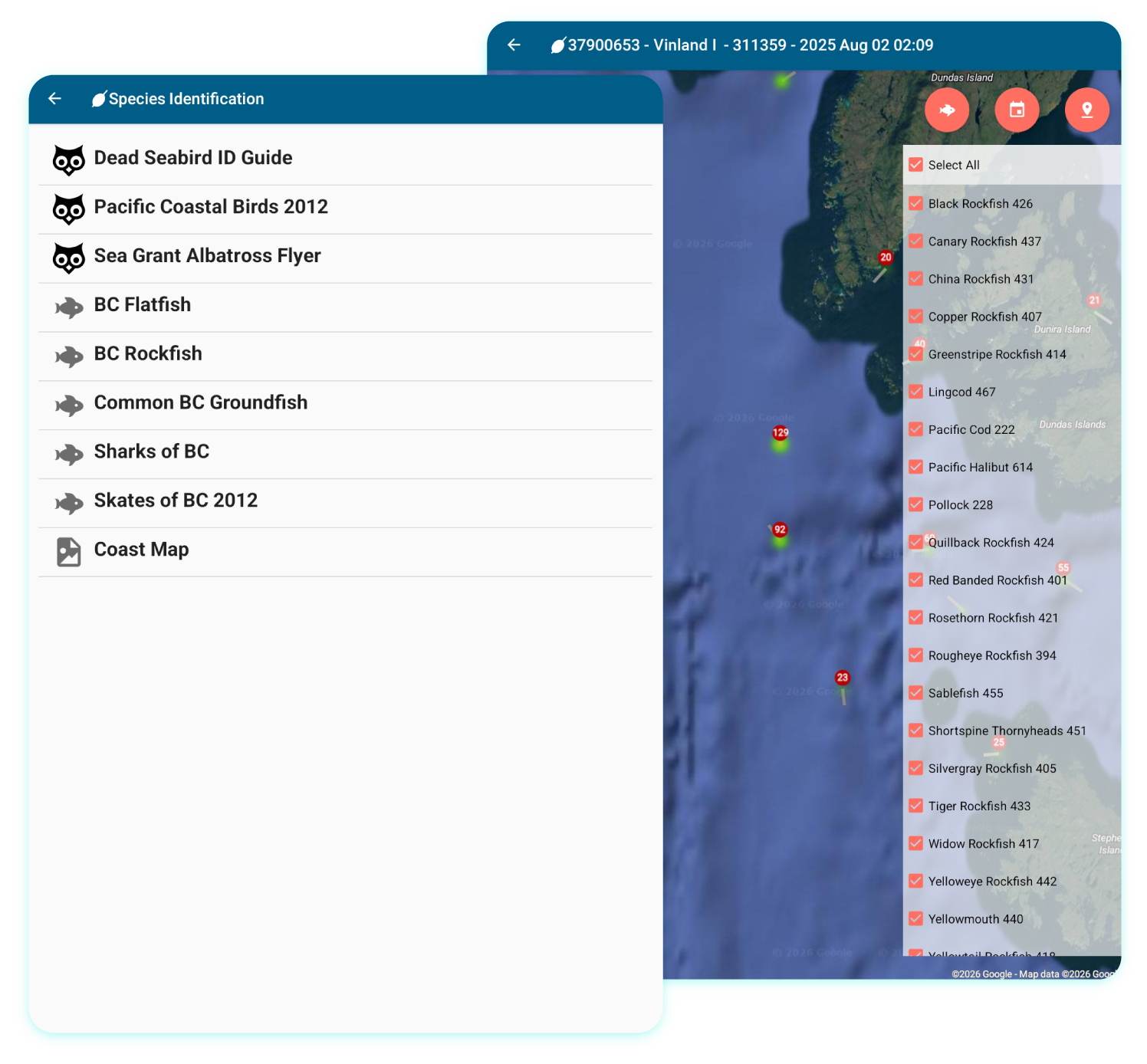
FLOAT combines reporting with practical onboard context. Map views help crews review where activity occurred over time, with filters that support quick comparison by month or species. Reference materials such as species identification and program documents can be accessed in the app, with audits and quota status reports available when the tablet connects to the internet.
- Map fishing activity and review patterns over time
- Filter map views by month and species
- Species identification guide accessible in-app
- Audits and quota status reports available in Documents
- Reference documents can be received when online
Program Fit and Setup
Configurable for different programs and roles.
Tailor logbooks to program needs
Settings designed around operational preferences.
FLOAT can be customized to suit different logbook requirements, including skipper and observer use cases. This supports program-specific reporting needs while keeping the entry workflow consistent for crews.
- Customizable to suit skipper or observer logbooks
- Supports program-specific fields and workflows
- Optional settings to streamline common entry patterns
- Keeps trip and event structure consistent
Designed for clean handoff and reporting
Multiple submission pathways support operations.
FLOAT is designed to fit the realities of program delivery. Logs can be shared through common submission pathways used at offload and onshore, and the work order identifier supports alignment between log records and other monitoring data streams when programs require cross-referencing.
- Work order identifier supports alignment with monitoring records
- Submit logs through workflows used at offload
- Share logs by email when needed
- Submitted trips remain available for viewing
Keep hardware flexible, keep workflows consistent
Simple device requirements for deployment.
FLOAT is designed to keep hardware decisions flexible while maintaining consistent reporting workflows. It runs on Android tablets with GPS enabled, and larger screens are recommended for readability onboard. Operators supply and maintain their own tablets, allowing fleets to align device choices with budget and operating conditions.
- Requires Android tablet with GPS enabled
- Recommended Android version: 5.0 or higher
- Recommended screen size: 9-inch or larger
- Operators purchase and maintain their own tablets
- Development and testing performed on Samsung Tab A models or newer